 TripManifest
 Support
Questions, problems, or purchase issues — email support@tripmanifest.co.uk.
What to include
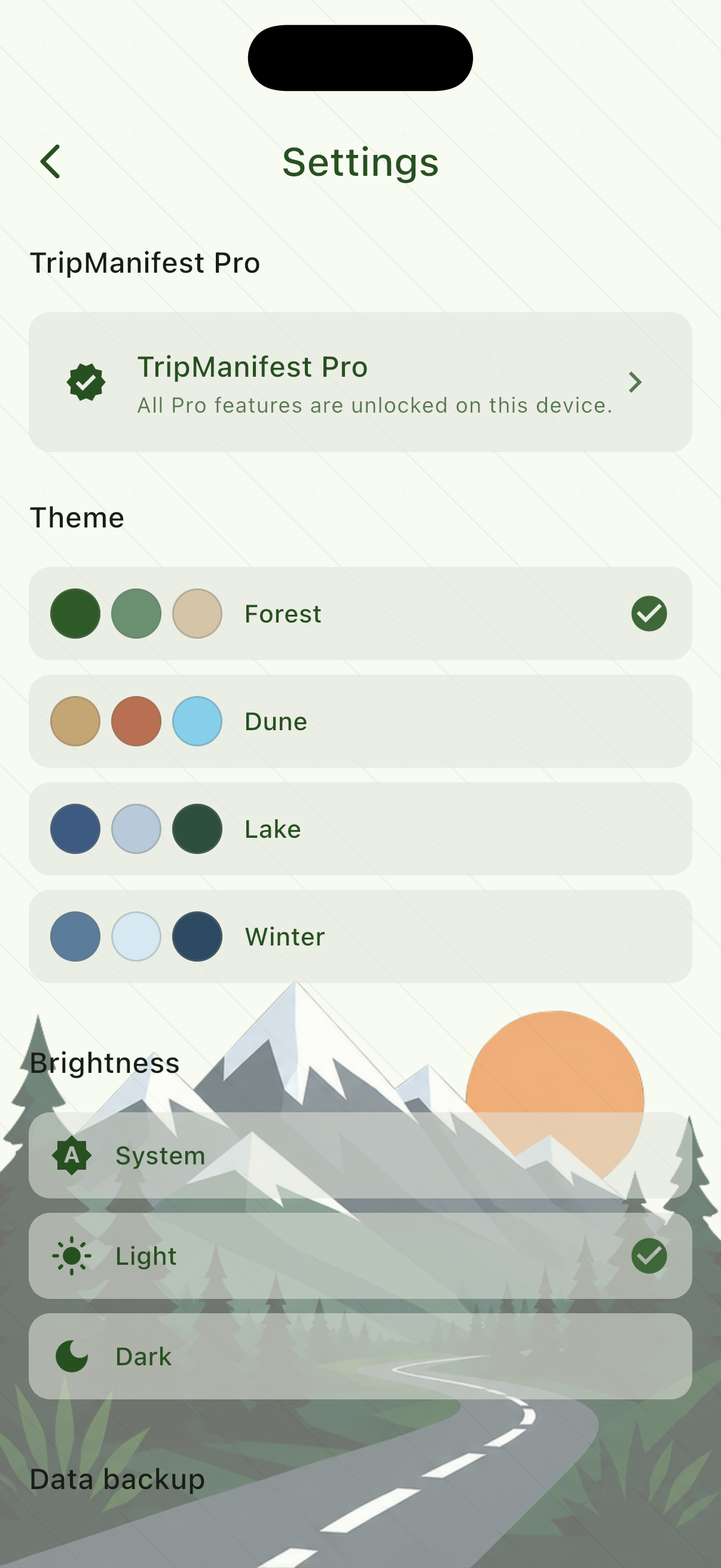
Open Settings (gear icon) and copy:
- App version
- Support ID — needed for purchases, restores, and refunds
Describe what you were doing and what you expected. Screenshots help.
Common questions
Where is my data stored?
Gear, manifests, and trips stay on your device. Uninstalling the app removes that local database. Optional Pro cloud backup stores export files in TripManifest cloud storage in the United States. See Privacy.
How do I restore a purchase?
Settings → TripManifest Pro → Restore purchases. Use the same Apple ID or Google account you bought with. If it still fails, email us with your Support ID.
Do I need an account?
No. An email sign-in is only for optional Pro cloud backup. Weather and place search do not create an account.
Why can’t I add another trip or manifest?
Free includes one active trip and two manifests. Complete or wait until a trip is historic, or unlock Pro for unlimited trips and manifests.
How do I import a list from Notes?
Import needs TripManifest Pro. On iPhone, open the note, tap Share, and choose TripManifest. On Android, share the list from your notes app or Google Keep and choose TripManifest. You can also paste the list from Gear → Import from text. Each line becomes a gear item. See the guide.
An item is greyed out on a new trip
That piece of gear is already on another active trip. Finish or remove it there first, or pick a different item.