 TripManifest
 How it works
Add gear, optionally save manifests, start a trip, then check, load up, and unload.
1. Add your gear
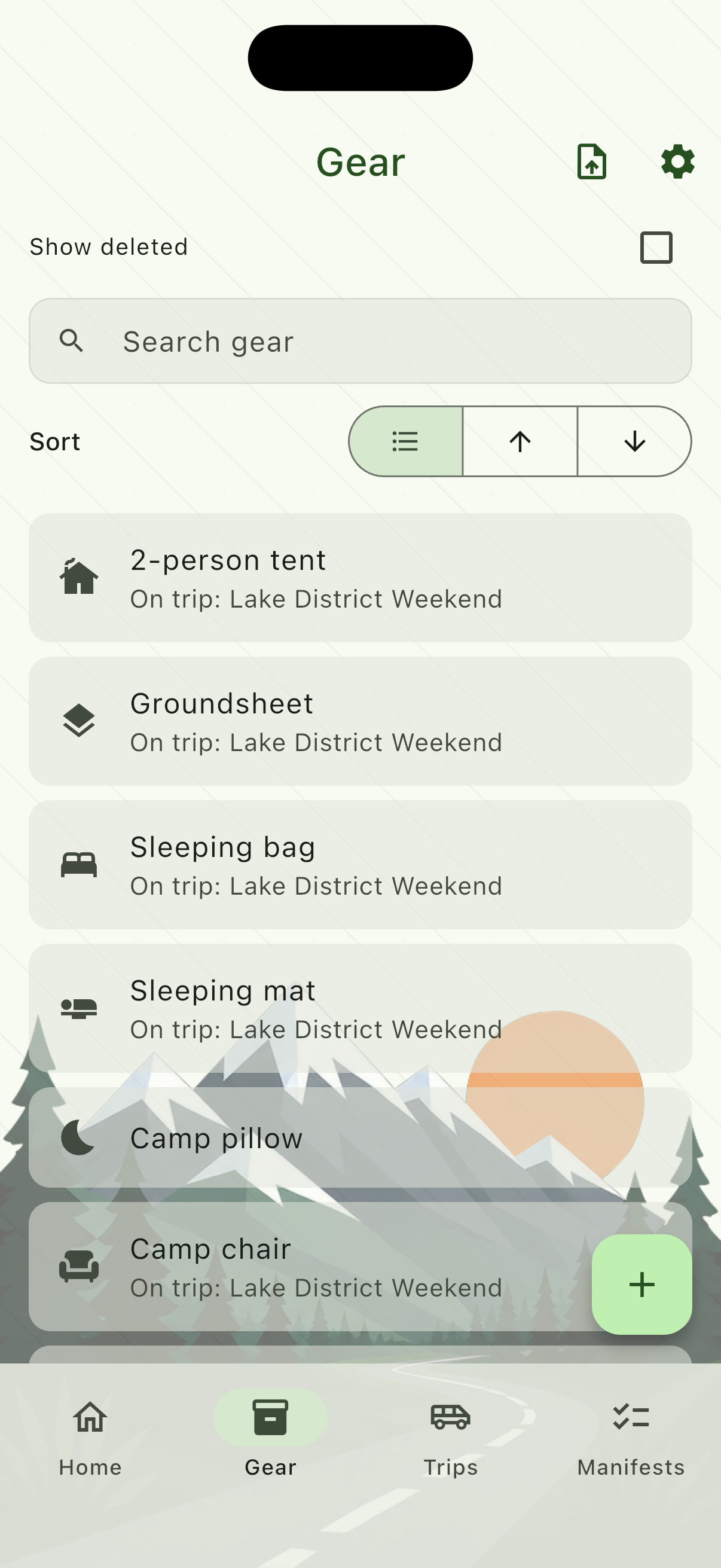
Open Gear and add the items you own. Each item has a name and an icon. You can search the list, sort by name, and swipe to remove something (it is hidden, not destroyed — you can restore it).
If an item is already on an active trip, the gear list shows which trip.
Import a list from Notes
If the kit is already written down, share it into TripManifest. One line becomes one gear item. Bullets, numbers, and checkboxes stay off the name, and TripManifest suggests an icon from each name. Import needs TripManifest Pro.
iPhone
- Open the note in Notes.
- Tap Share.
- Choose TripManifest.
Android
- Open the list in your notes app or Google Keep.
- Tap Share.
- Choose TripManifest.
You can paste the same list inside the app: open Gear, tap Import from text, enter one item per line, then Next.
Sharing or pasting opens Import gear. Swipe a row to remove it, or tap it to change the name or icon. Tick Create manifest if you want a reusable list from these items, then tap Import gear.
2. Save reusable manifests
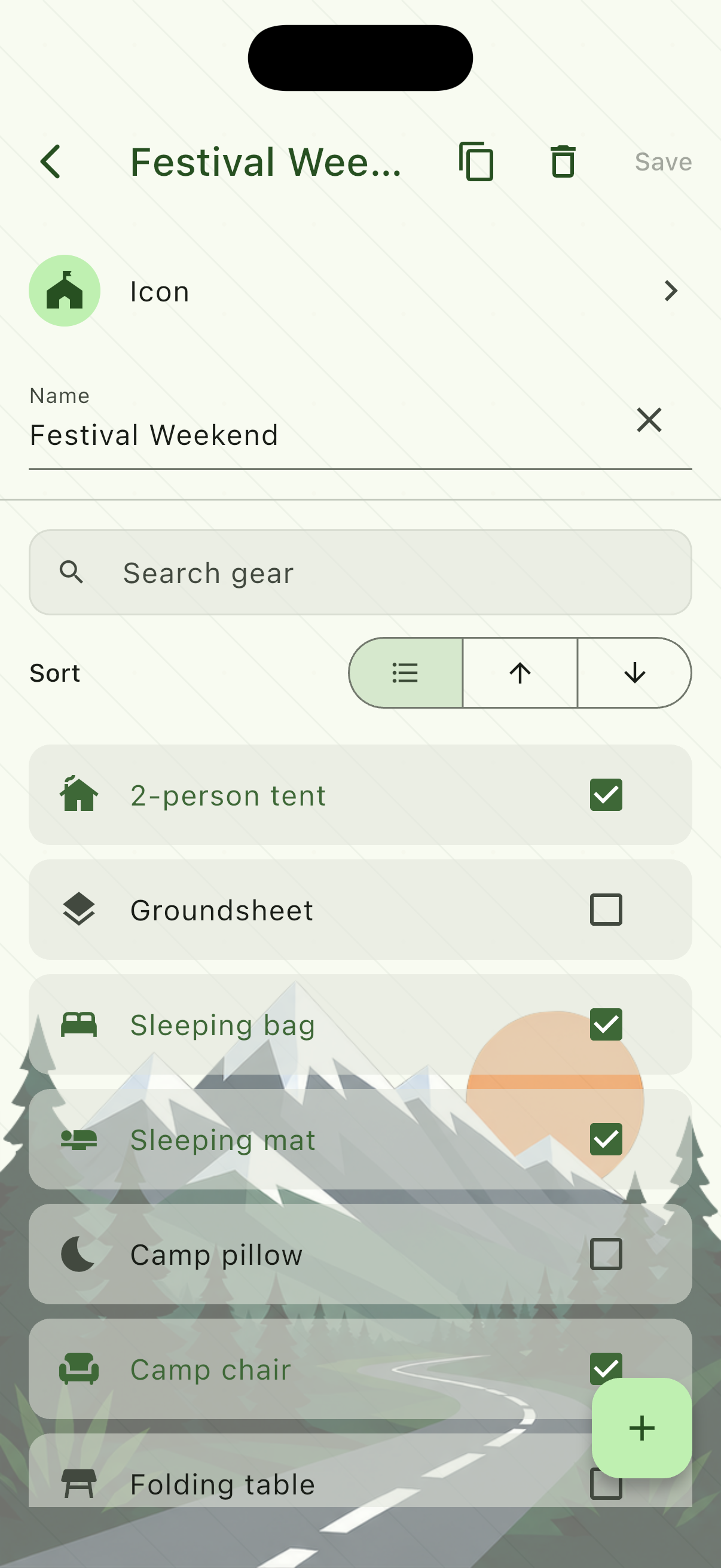
Manifests are packing lists you reuse. Create one from Manifests, give it a name, and tick the gear that belongs on that list. Checking a row is only for that manifest.
The free version allows two manifests. Pro unlocks unlimited lists.
3. Start a trip
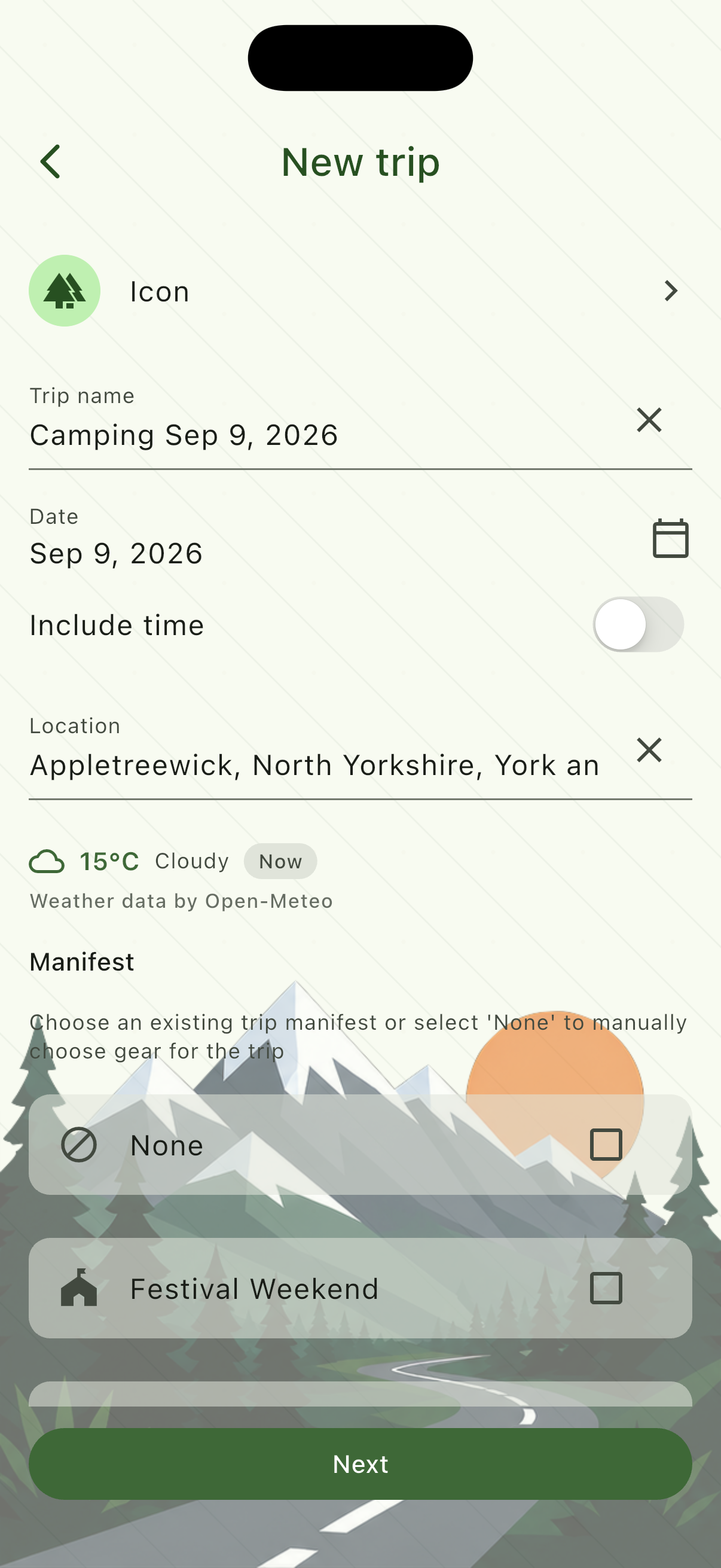
Open Trips and tap the add button. Name the trip, set a date, and optionally pick a location. Tick any manifests you want to seed from — turning a manifest on merges its checked items; turning it off does not remove items you already selected.
4. Pick the gear for this trip
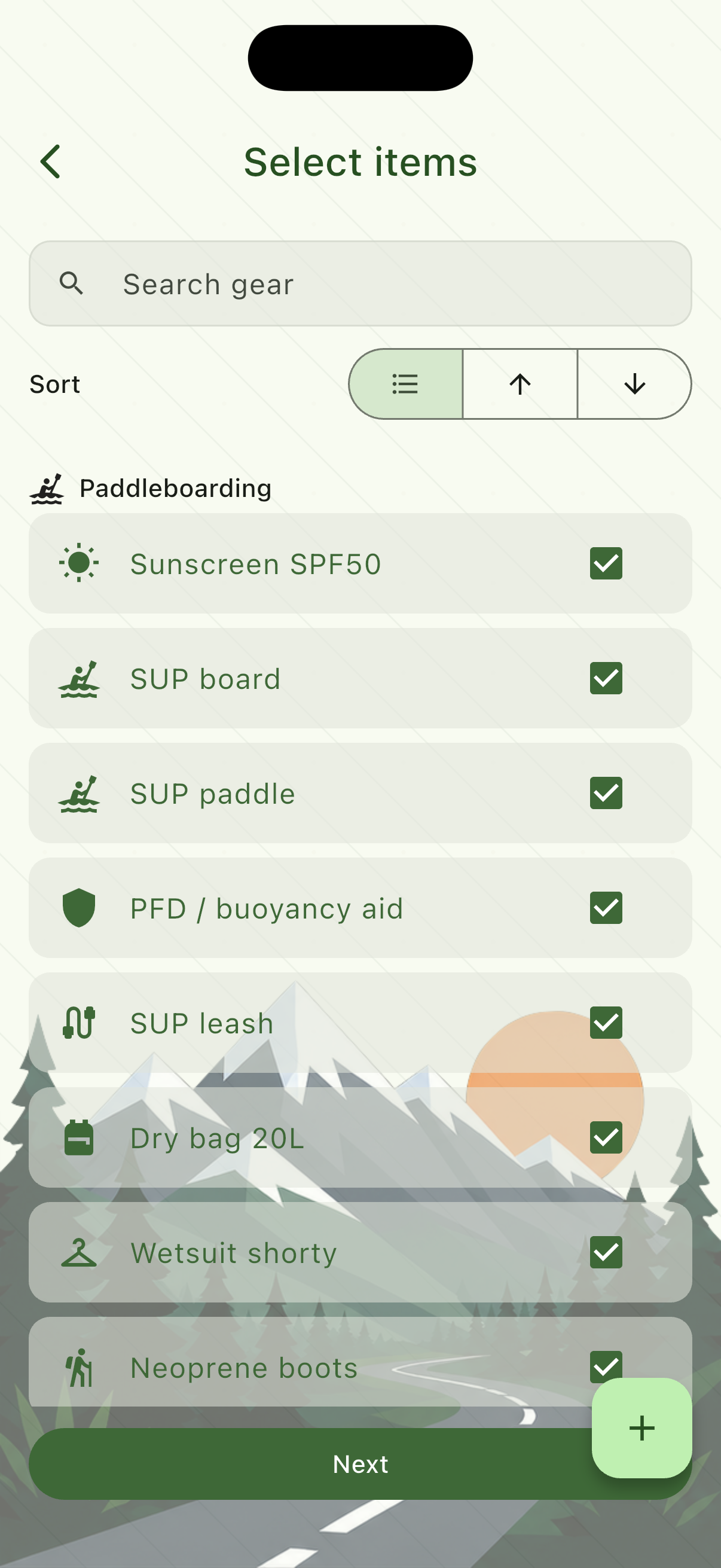
Next, choose what is actually coming. The list is grouped by the manifests you selected, then additional gear. Items already on another active trip are disabled — one piece of kit can only be on one active trip at a time.
5. Check, load up, unload
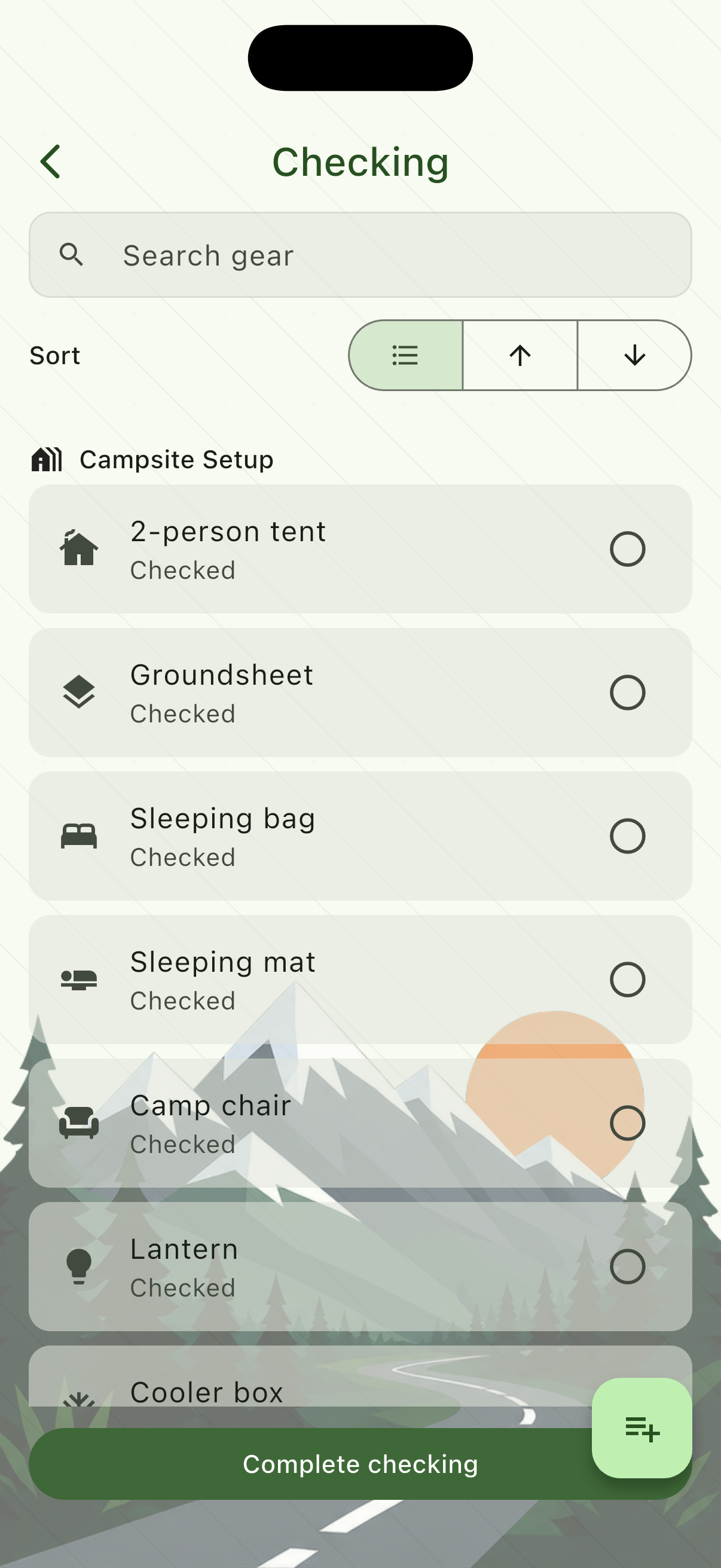
From the trip, start Checking to confirm you have each item, Load up when it goes in the vehicle, then Unload at the destination. Tap a row to mark it for this session. Completing a phase saves your marks.
You can add or remove trip items from the phase screen if you forgot something.
6. Finish the trip
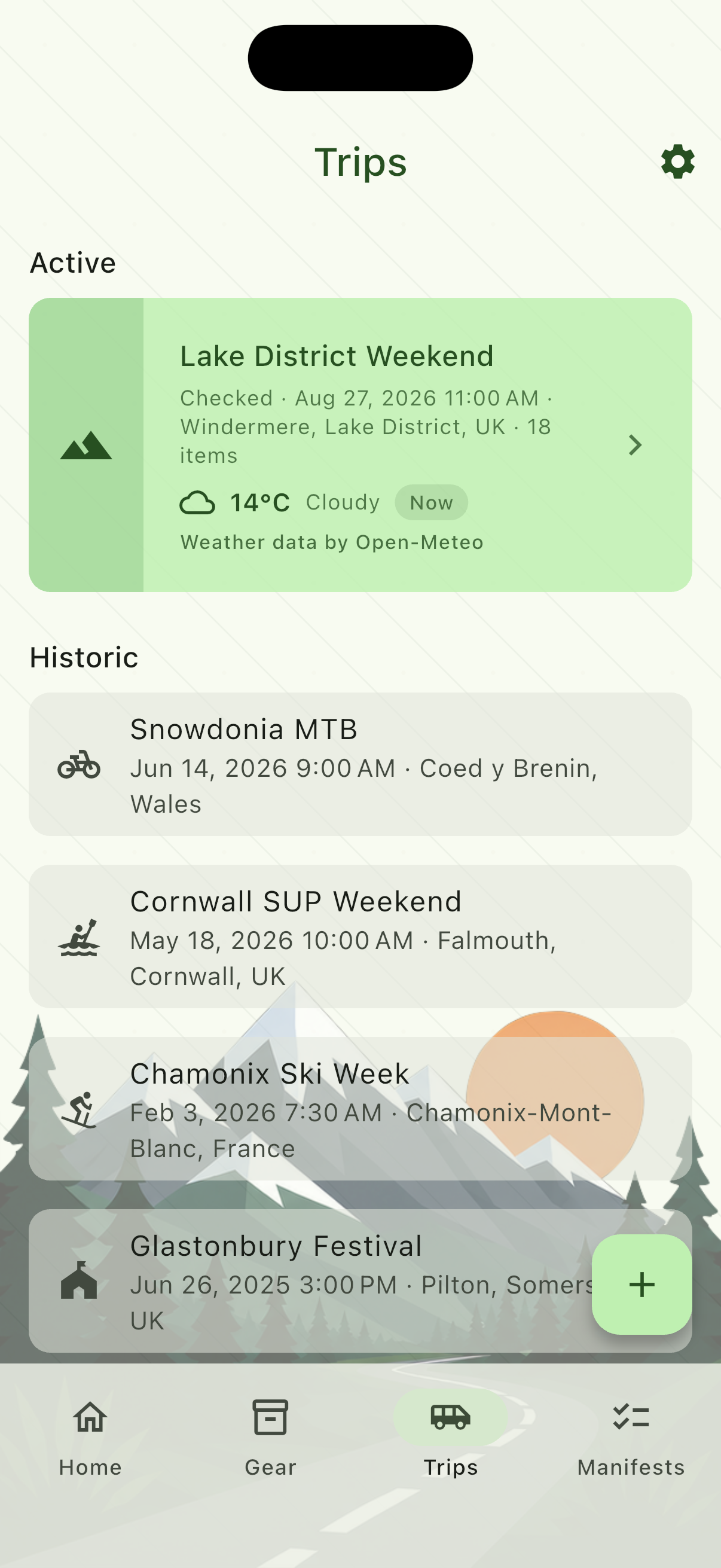
When you are done, Complete trip on the trip summary moves it to Historic. Historic trips keep their lists; those items are free to use on a new active trip.
The free version allows one active trip at a time.
Settings worth knowing
- Theme and brightness — Forest is the default. Pro adds more colour themes. Light, dark, or follow the system.
- TripManifest Pro — one-time purchase. Restore purchases from the same screen if you reinstall.
- Backup — export or restore a file on the device. Pro can also sign in with email and upload cloud backups.
- Support ID — in Settings. Include it if you write about a purchase or a problem.